

QuickBooks Desktop Premier Plus 2024 is a powerful accounting software designed primarily for desktop use. However, many users ask:
👉 Can I access QuickBooks Desktop Premier Plus 2024 on multiple devices?
💡 The Answer: Yes — with added tools and integrations!
Although QuickBooks Desktop is installed locally on a Windows computer, Intuit offers several solutions to increase flexibility and mobility:
🔄 Remote Access & Mobile Integration:
- 📱 Mobile access through integrations with the QuickBooks mobile app (depending on your plan).
- 🌐 Remote desktop solutions, like Right Networks or Remote Desktop Services, allow you to use QuickBooks from different devices anywhere.
- 🧑💻 Multi-user setup: You can install QuickBooks on multiple computers (with a proper license) for team access.
🚀 Why Use QuickBooks Desktop Premier Plus 2024 Across Multiple Devices?
- ✔️ Work from your office, home, or on the go.
- ✔️ Access your accounting data anytime, anywhere.
- ✔️ Share access with your accountant or team members.
- ✔️ Avoid data duplication with centralized access.
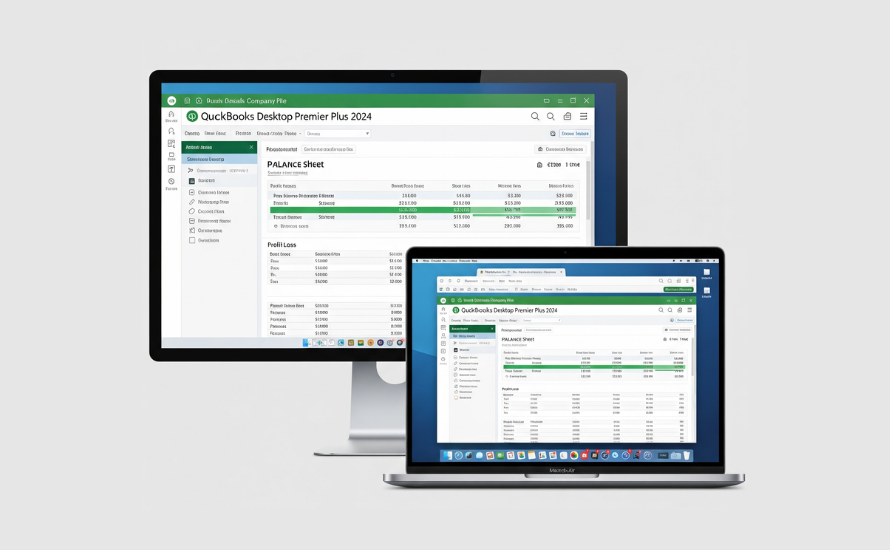
📌 Summary:
QuickBooks Desktop Premier Plus 2024 is built for desktop performance, but with the right tools, you can extend its functionality across multiple devices and support remote collaboration.