

Managing your business finances should feel empowering, not like a never-ending cycle of monthly bills. Many entrepreneurs feel the weight of recurring software fees that drain resources over the long term. You deserve a solution that respects your budget and provides lasting value.
Finding a reliable way to secure accounting software without a subscription is a common goal for many owners. Understanding how to buy QuickBooks Desktop one time purchase options allows you to regain control over your operational costs. This guide clarifies the current landscape of Intuit software, helping you navigate away from subscription-only models effectively.
By following these steps, you can successfully acquire a standalone application tailored to your specific financial management needs. Let us simplify the process of finding and installing the right tools for your company.
Key Takeaways
- Identify the differences between subscription models and legacy standalone software.
- Learn where to source authentic, non-subscription accounting applications.
- Understand the limitations and benefits of choosing a perpetual license.
- Ensure your hardware meets the requirements for a smooth installation.
- Protect your business data by avoiding unauthorized or pirated software versions.
Understanding the Shift in QuickBooks Desktop Purchase Options
Businesses now buy software differently, affecting their budgets and plans. When looking into how to buy QuickBooks Desktop one time purchase, it’s key to know the shift to recurring services. This change impacts how you keep your accounting data up to date over time.
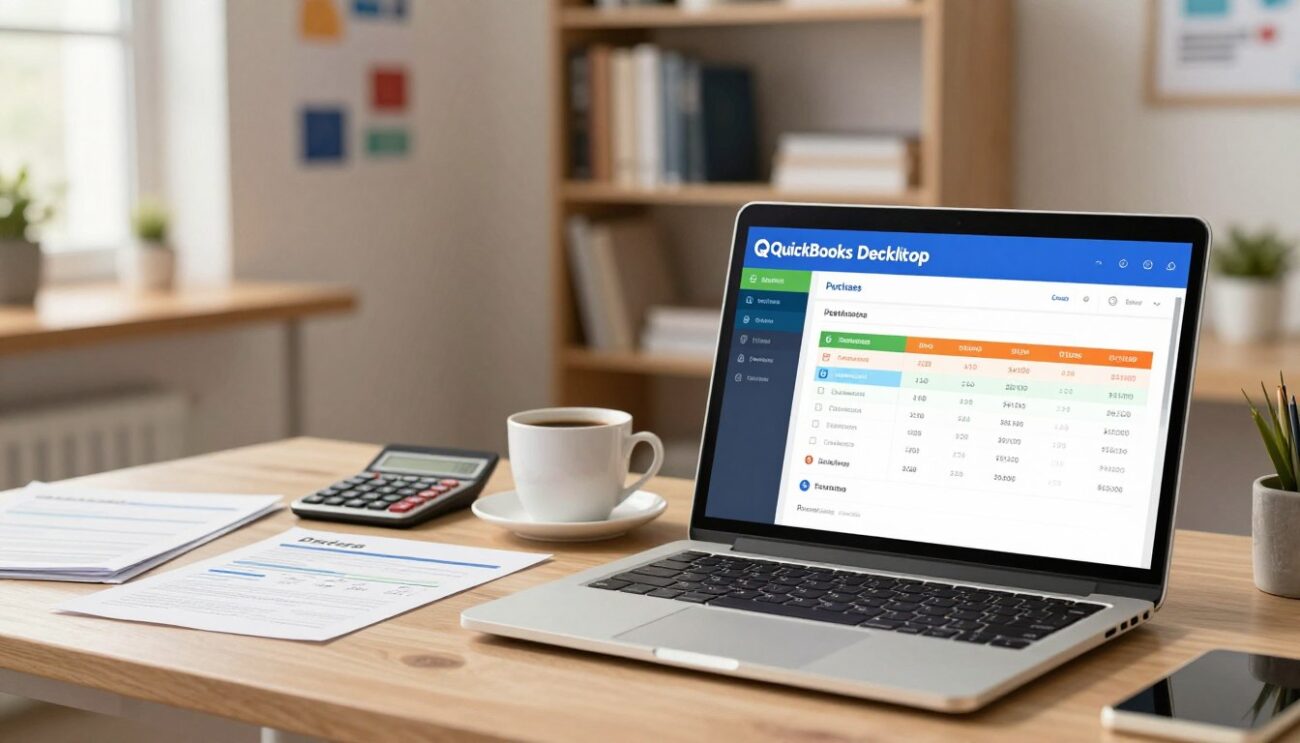
The Difference Between Perpetual Licenses and Subscriptions
A perpetual license means you pay once and own the software forever. You get a version of the program that works on your computer without ongoing payments.
On the other hand, a subscription is like a service. You pay regularly to use the software, which gets updates and support automatically. Deciding between the two depends on whether you prefer to spend money upfront or pay over time.
- Perpetual License: One-time cost, no mandatory updates, local data control.
- Subscription: Recurring cost, continuous feature updates, cloud-based integration.
Why Intuit Moved Toward Subscription-Based Models
Intuit has changed its focus to cloud services and real-time data. This shift helps the company offer more updates and security patches than before.
“The transition to subscription services ensures that all users are operating on the most secure and efficient version of our platform, reducing compatibility issues across the board.”
This change supports modern business needs like automated bank feeds and remote work. It shows a wider trend in the software world where quickbooks desktop purchase options often involve ongoing services.
Identifying Which QuickBooks Desktop Versions Support One-Time Purchases
It’s important to know that traditional licenses are becoming rare. By September 30, 2024, Intuit stopped selling new subscriptions for some U.S. versions, like Pro Plus and Premier Plus.
If you’re looking for a one time purchase of QuickBooks Desktop, check if the version you want is supported. Many look for old perpetual keys, but make sure they work with your system.
| Model Type | Payment Structure | Support Status |
|---|---|---|
| Perpetual | One-time fee | Limited/Legacy |
| Subscription | Monthly/Annual | Active/Current |
How to buy QuickBooks Desktop one time purchase through Authorized Retailers
When you choose to buy QuickBooks Desktop outright, picking the right seller is key. Intuit now focuses more on subscriptions. So, finding a trusted seller for perpetual software needs careful research. Make sure to work with recognized partners to protect your investment.
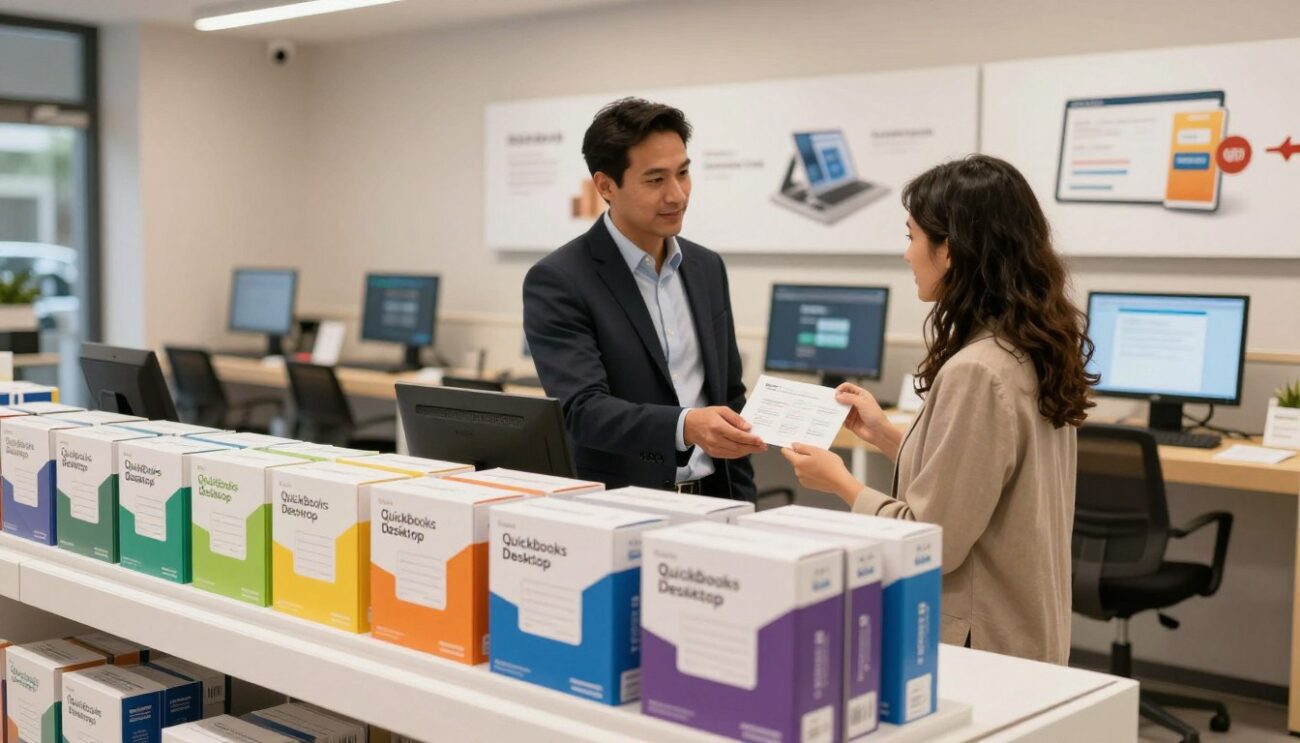
Locating Verified Third-Party Resellers in the United States
For legacy versions, go to BestProAdvisor and SoftwareWharehouse. They are authorized premier resellers. They legally sell perpetual licenses. Plus, they offer a 60-day money-back guarantee for your peace of mind.
Verifying the Authenticity of Perpetual License Keys
To purchase QuickBooks Desktop permanently, watch out for fake sites with low prices. Fake software has invalid keys that won’t activate. Always check for a genuine license certificate and manufacturer documentation from the seller.
Steps to Secure Your License Key After Purchase
After buying, act fast to validate your ownership. Securing your license key is key for support and updates.
Checking for Official Intuit Holograms and Packaging
Check the packaging for official Intuit holograms if you got a physical copy. These are hard to fake and show the product is real. If the packaging looks tampered with or lacks these, contact the seller right away.
Registering Your Software Immediately Upon Installation
The last step is to register your software. Do this right after installing to link it to your business. Here’s how to keep your license active:
- Enter your product and license numbers exactly as they appear on your receipt.
- Connect to the internet during the initial setup to verify the key with Intuit servers.
- Keep a digital or physical copy of your registration confirmation in a secure location.
Evaluating the Risks and Benefits of Perpetual Licenses
Deciding to get QuickBooks Desktop without subscription requires careful thought. The initial cost is often lower, but you’re fully responsible for your software. It’s key to understand these trade-offs for a stable accounting workflow.
Advantages of Owning Your Software Outright
A quickbooks desktop perpetual license means no ongoing monthly or yearly costs. Once bought, you can use that version forever. This helps small business owners budget better by avoiding service fees.
- Cost Predictability: No surprise price hikes or subscription renewals.
- Offline Access: Full functionality remains available even without an active internet connection.
- Data Control: You maintain complete ownership of your company files on your local hardware.
Limitations Regarding Payroll and Bank Feeds
While owning your software gives you freedom, it limits functionality. Modern features like automated bank feeds and payroll services need cloud connectivity. Without a subscription, these services are often unavailable or require manual workarounds.
| Feature | Perpetual License | Subscription Model |
|---|---|---|
| Bank Feeds | Limited/Manual | Automatic |
| Payroll | Not Supported | Fully Integrated |
| Updates | Manual/None | Automatic |
Understanding the End of Life for Non-Subscription Versions
Intuit stops supporting older software versions to focus on new tech. For example, QuickBooks Desktop 2020 ended support on May 31, 2023. Once a version reaches its End of Life, you won’t get security patches or support.
Managing Data Security Without Automatic Updates
Without updates, your quickbooks desktop perpetual license is at risk of digital threats. Protecting your financial info is critical. Regular backups to an encrypted drive are essential to avoid data loss.
“Security is not a product, but a process. When you choose to get QuickBooks Desktop without subscription, you become the primary guardian of your own digital infrastructure.”
Keep your local network safe with strong firewalls and updated antivirus. Being proactive helps you use your software safely, despite its age.
Step-by-Step Installation and Setup for Your Perpetual License
Setting up your accounting software right is key to a smooth experience. When you buy quickbooks desktop lifetime license, you control your financial data without monthly fees. Make sure to follow the technical steps to avoid any issues.
Downloading the Correct Installer from Official Sources
Get your installer from the official Intuit website to keep your files safe. Mac users, check that your system is running macOS X v10.15 (Catalina) or later. An outdated system can cause problems.
Entering Your License and Product Numbers
After downloading, start the installer and follow the instructions. You’ll need to enter your license and product numbers from your quickbooks desktop one-off purchase. Keep these safe for future use.
“Success is the sum of small efforts, repeated day in and day out.”
Configuring Your Company File for Local Storage
After activating the software, choose a folder on your hard drive for your files. Storing data locally means you have immediate access and keep it safe from servers. This is great for those who like a traditional, non-cloud accounting setup.
Backing Up Your Data Without Cloud Integration
With a quickbooks desktop one-off purchase, you’re in charge of your data safety. Make it a habit to back up your files to an external drive or a secure spot. Regular backups are your best defense against losing data due to hardware failure or accidents.
Conclusion
Choosing a quickbooks desktop non-subscription version is great for business owners who want control over their data. It lets you handle your financial records without monthly bills. This is a big plus for those who value local data control.
But, you must take care of your own security and updates. It’s important to back up your data regularly. This keeps your company’s sensitive info safe from loss or damage.
Remember, if your company file gets too big, moving it to QuickBooks Online won’t work. Files over 750,000 targets can’t be transferred. So, plan your storage carefully for the future.
Going for a quickbooks desktop non-subscription version is a smart choice for long-term accounting needs. With regular maintenance, you can keep your finances in order. This way, you have full control over your business finances for years.
Check if this model meets your business needs. Take steps now to pick the right software for your company’s growth.